Lossy vs. Lossless Image Compression: What's the Difference?
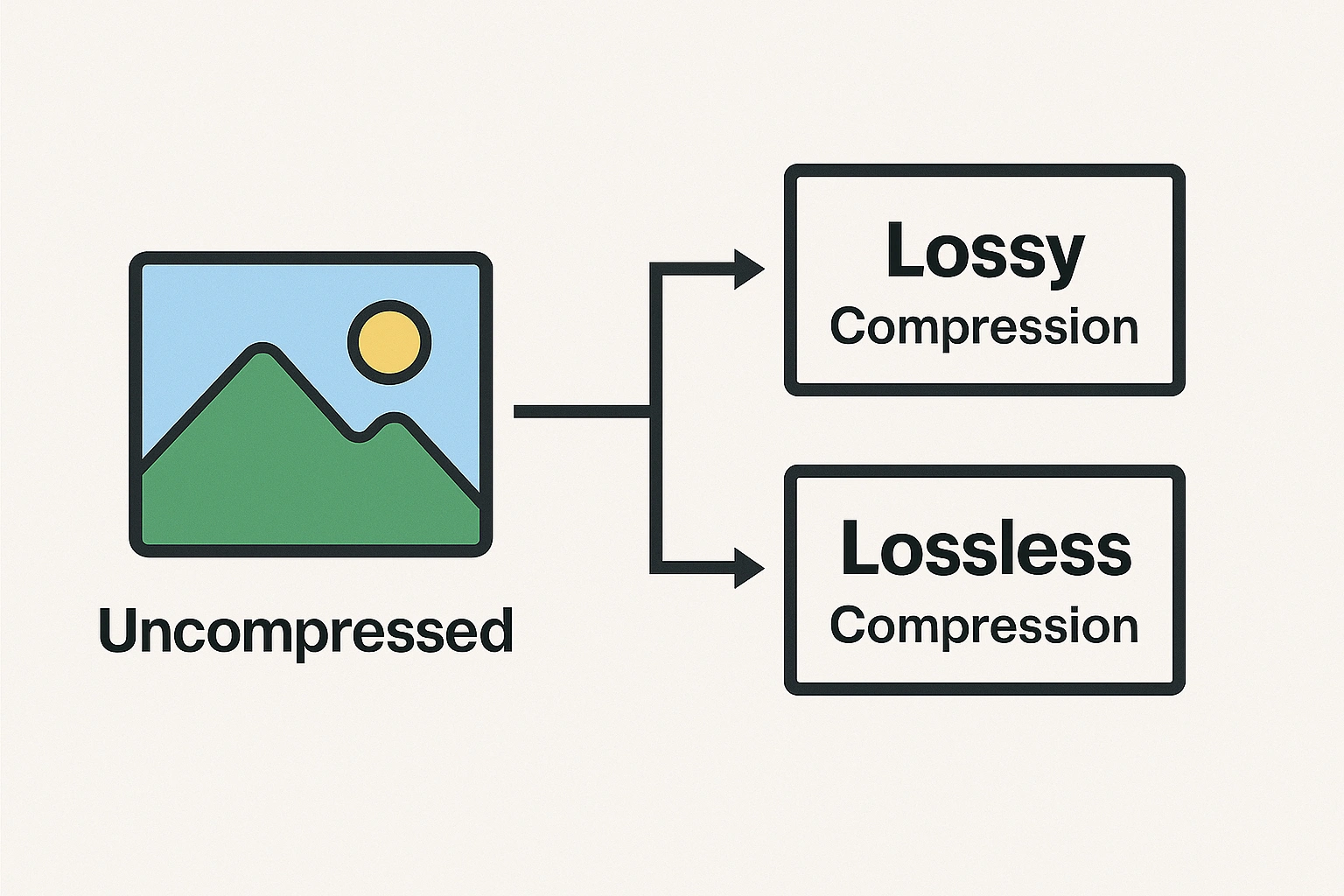
When optimizing images for the web, you'll constantly encounter two key terms: lossy and lossless compression. Understanding the fundamental difference between these two approaches is crucial for making smart decisions about balancing image quality with file size.
Choosing the wrong type of compression can lead to unnecessarily large files slowing down your site, or images that look disappointingly degraded. Let's break down exactly what lossy and lossless mean and when you should use each.
First, What Is Image Compression?
At its core, image compression is about reducing the amount of data required to represent a digital image, thereby decreasing its file size. Smaller file sizes are essential for faster website loading, reduced storage needs, and quicker sharing.
Both lossy and lossless compression aim to achieve this goal, but they use fundamentally different strategies.
Lossless Compression: Perfect Quality, Moderate Savings
Think of lossless compression like putting files into a ZIP archive. When you "unzip" the image (i.e., display it), you get back the exact same data that went in. No information is permanently lost.
How it Works:
Lossless algorithms work by identifying and efficiently encoding patterns and redundancies within the image data. For example, if there's a large area of solid blue, instead of storing "blue pixel, blue pixel, blue pixel..." many times, it might store something like "150 blue pixels in a row".
Key Characteristics:
- Zero Quality Loss: The primary advantage. The decompressed image is pixel-perfect identical to the original.
- Moderate File Size Reduction: The amount of compression depends heavily on the image content. Images with large areas of flat color or repeating patterns compress well. Complex photographic images see less benefit.
- Reversible: You can always recover the original image data perfectly.
Best Used For:
- Graphics with sharp lines, text, and solid colors (logos, icons, illustrations, screenshots).
- Images where absolute fidelity is critical (technical diagrams, archival purposes, medical imaging).
- When using formats that primarily support lossless (like standard PNG, GIF, TIFF, and lossless WebP).
Lossy Compression: Significant Savings, Quality Trade-off
Lossy compression takes a more aggressive approach. It achieves much smaller file sizes by permanently discarding some of the image data deemed "less important" or less perceptible to the human eye.
How it Works:
Lossy algorithms use complex techniques (like quantization in JPEGs) to analyze image data and remove details, colors, or frequencies that are less likely to be noticed. The amount of data discarded is usually controlled by a "quality" setting (e.g., 0-100).
Key Characteristics:
- Significant File Size Reduction: This is its main strength. Lossy can often make files dramatically smaller than lossless methods, especially for photos.
- Irreversible Quality Loss: Once data is discarded, it cannot be recovered. Higher compression (lower quality setting) results in more data loss and more visible artifacts (like blockiness, blurriness, or color banding).
- Adjustable Quality: Most lossy formats allow you to choose the level of compression, letting you trade file size for visual fidelity.
Best Used For:
- Photographs and complex images with millions of colors and smooth gradients, where subtle data loss is often imperceptible.
- Situations where file size is a primary concern (e.g., web pages, email attachments).
- When using formats designed for lossy compression (like JPEG and lossy WebP).
When Should You Use Lossy vs. Lossless?
The choice depends entirely on your priorities for the specific image:
- Prioritize Perfect Quality? (e.g., logo, technical drawing, master archive copy)
➡️ Use Lossless (PNG, Lossless WebP, TIFF). - Prioritize Smallest File Size? (e.g., web photo, email attachment)
➡️ Use Lossy (JPEG, Lossy WebP), carefully adjusting the quality setting. - Need Transparency?
➡️ Use Lossless (PNG, Lossless WebP) or Lossy (Lossy WebP). JPEG does not support transparency. - Editing an Image Repeatedly?
➡️ Work with a Lossless format during editing to avoid cumulative quality degradation from repeated lossy saves. Save the final version for web using appropriate lossy or lossless compression.
Finding the Balance: For most web use, especially photos, controlled lossy compression (like JPEG or WebP at 70-85% quality) offers the best compromise between acceptable visual quality and significantly reduced file size.
Conclusion: Master the Trade-Off
Lossy and lossless compression are tools, each suited for different tasks. Lossless guarantees perfect fidelity at the cost of larger file sizes, while lossy provides substantial size reductions by intelligently sacrificing some imperceptible (or acceptable) detail.
By understanding this fundamental difference, you can choose the right compression method and settings using tools like IMGCompress to optimize your images effectively, leading to faster load times and a better experience for your audience without unnecessary quality compromises.